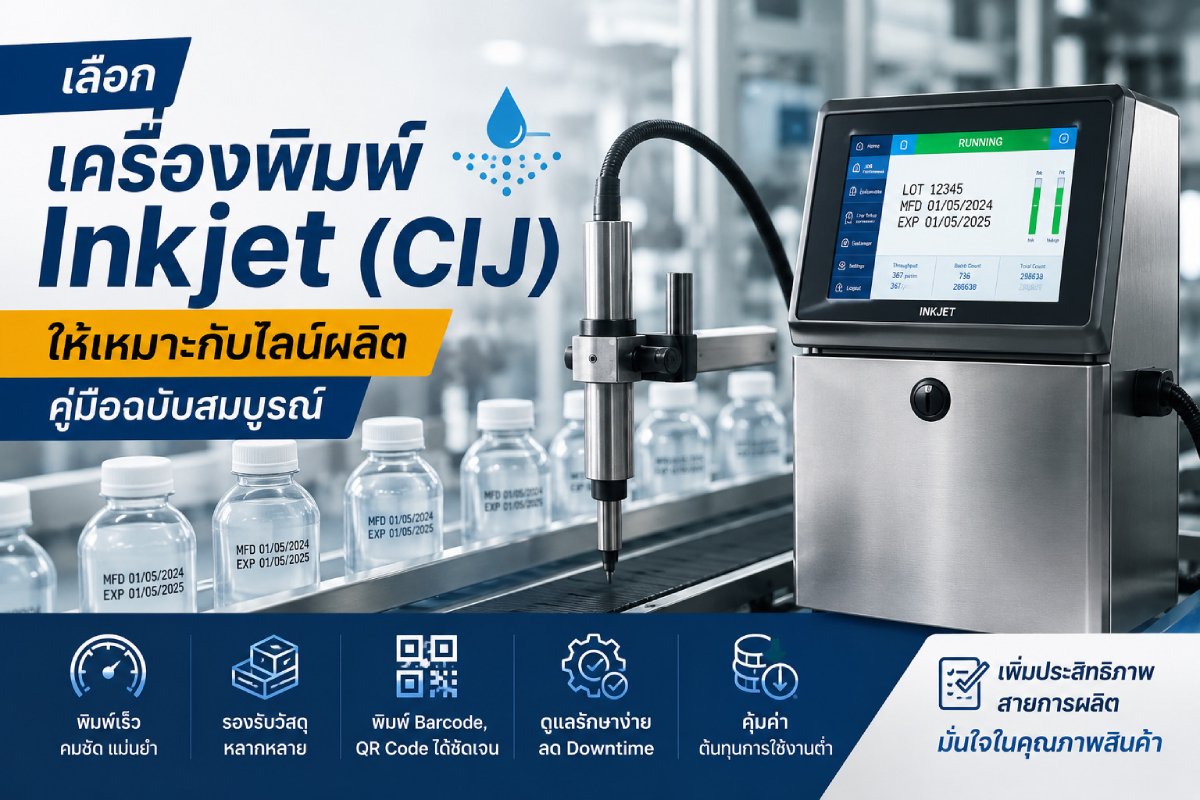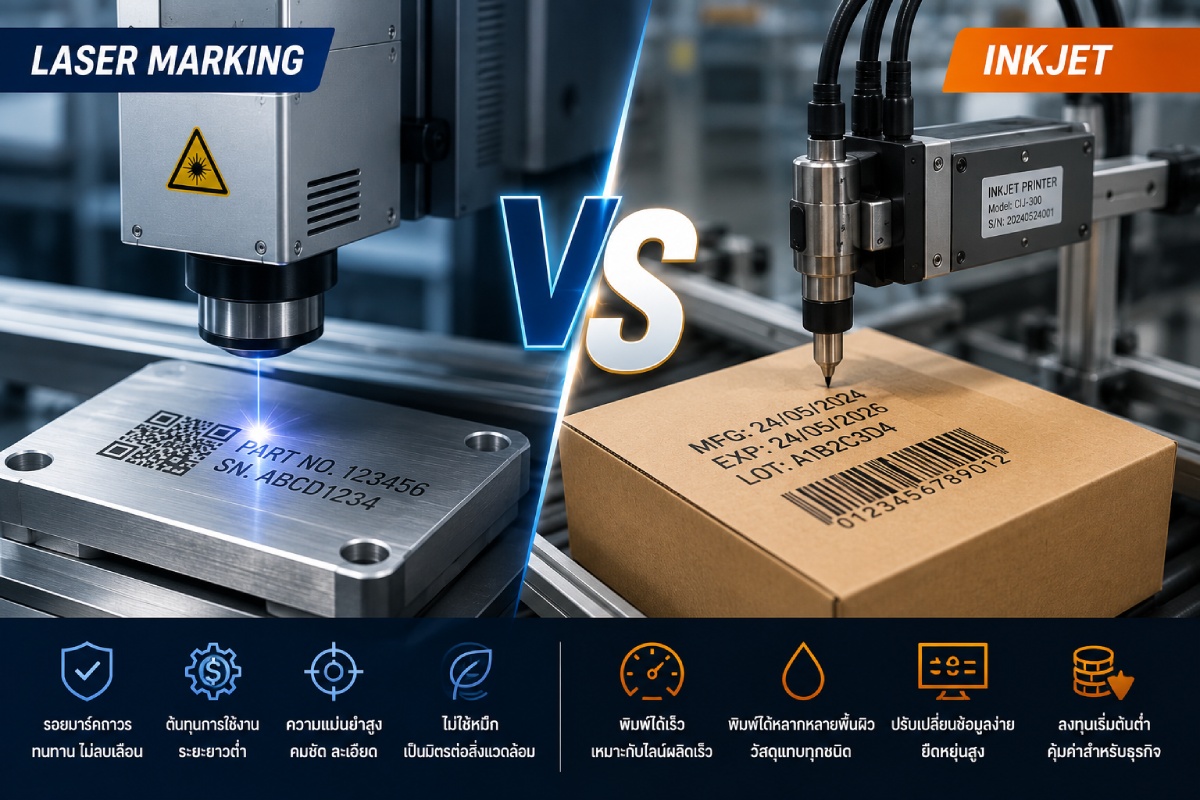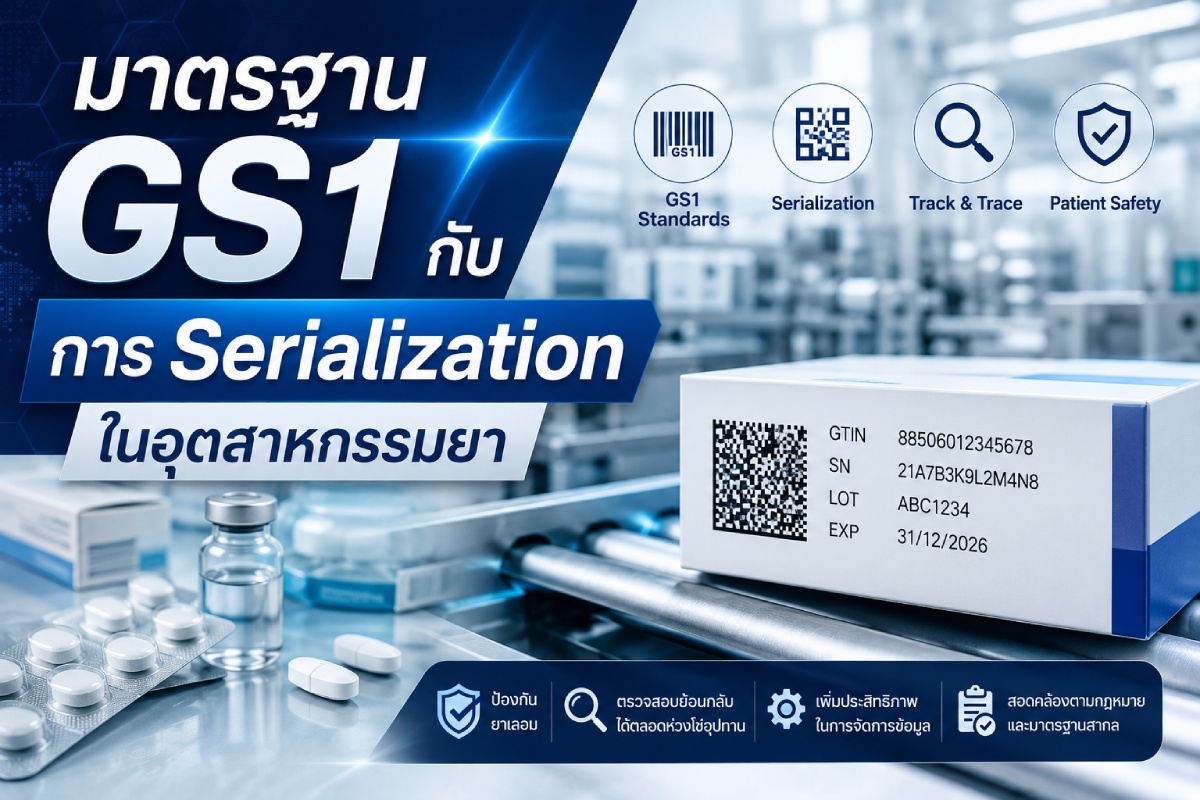
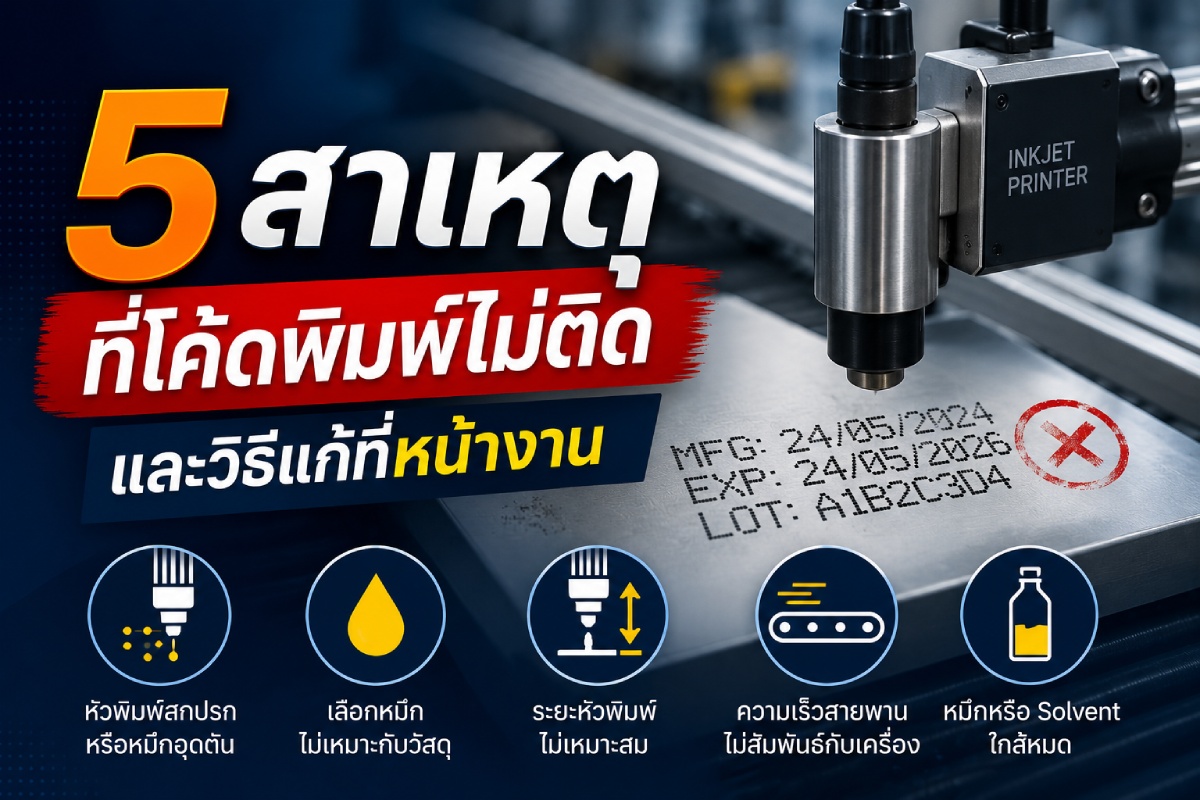
In industrial production lines, printing data on products — such as manufacturing date (MFG), expiry date (EXP), lot number, barcode, or QR code — is a critical step that enables traceability and ensures compliance with quality standards. If codes fail to print or are unreadable, it can lead to product rejection, production line stoppages, or brand damage.
These problems are commonly found with Inkjet (CIJ) industrial printers. The good news is that many cases can be resolved on the spot without calling a technician.
This article covers the 5 main causes of printing failures, along with practical troubleshooting steps that operators can apply right away.
1. Dirty or Clogged Print Head
The most common cause is dried ink residue, dust, or debris buildup on the print head, causing uneven ink ejection. This results in missing characters, blurred text, or no output at all.
Signs to watch for:
- Incomplete characters
- Broken print lines
- Uneven ink ejection
How to fix:
- Wipe the print head with the manufacturer-recommended cleaning solution
- Use the Auto-Clean function if available
- Avoid using tissue paper or dry cloth, as these may worsen clogging
Regular print head cleaning significantly reduces downtime and extends the machine’s service life.
2. Wrong Ink for the Substrate
Each ink type is formulated for a specific surface. Using the wrong ink can cause it to not adhere or to peel off easily.
Examples:
- PE or PP plastics require ink with strong surface adhesion
- Glass bottles need moisture-resistant ink
- Metal surfaces may require fast-drying, abrasion-resistant ink
How to fix: Check the substrate material before selecting ink, consult your supplier, and run adhesion tests before full production.
3. Incorrect Print Head Distance
Mounting the print head too close or too far from the product directly affects print quality. If the head is too far away, ink may scatter before reaching the surface, causing blurred or distorted characters.
Signs to watch for:
- Broken characters
- Unsharp lines
- Distorted character size
How to fix: Adjust the print head position to the manufacturer’s recommended distance, verify the mount bracket stability, and minimize vibration from surrounding machinery.
4. Conveyor Speed Not Synchronized with Printer Settings
If the conveyor speed changes without updating the printer’s speed setting, the machine may print stretched, compressed, or overlapping characters. This is common when production is ramped up or a different product type is introduced.
How to fix:
- Check the conveyor speed setting
- Adjust the encoder or print delay to match the belt speed
- Run a test print before starting full production
5. Low Ink or Solvent Level
In some cases the machine may still run, but ink becomes faint or ejection becomes inconsistent when levels are low.
Signs to watch for:
- Faded characters
- Inconsistent ink ejection
- Low ink warning on screen
How to fix: Top up ink and solvent to the specified level, use certified consumables, and check the ink expiry date before use.
How to Prevent Printing Failures
While most issues can be fixed, prevention is always better than cure. Factories should establish a Preventive Maintenance (PM) schedule, including:
- Clean the print head daily
- Check ink and solvent levels at the start of each shift
- Verify code quality before high-volume runs
- Use ink matched to the product substrate
- Inspect print head distance and conveyor speed regularly
- Follow the manufacturer’s maintenance schedule
Summary
Printing failures may seem complex, but once you understand the root cause — whether it’s a clogged head, wrong ink, incorrect head distance, mismatched conveyor speed, or low ink level — operators can resolve most issues quickly on the spot.
Regular inspection and planned maintenance will keep your industrial printer running at full efficiency, reduce line stoppages, and ensure every printed code is sharp, readable, and compliant with standards.